
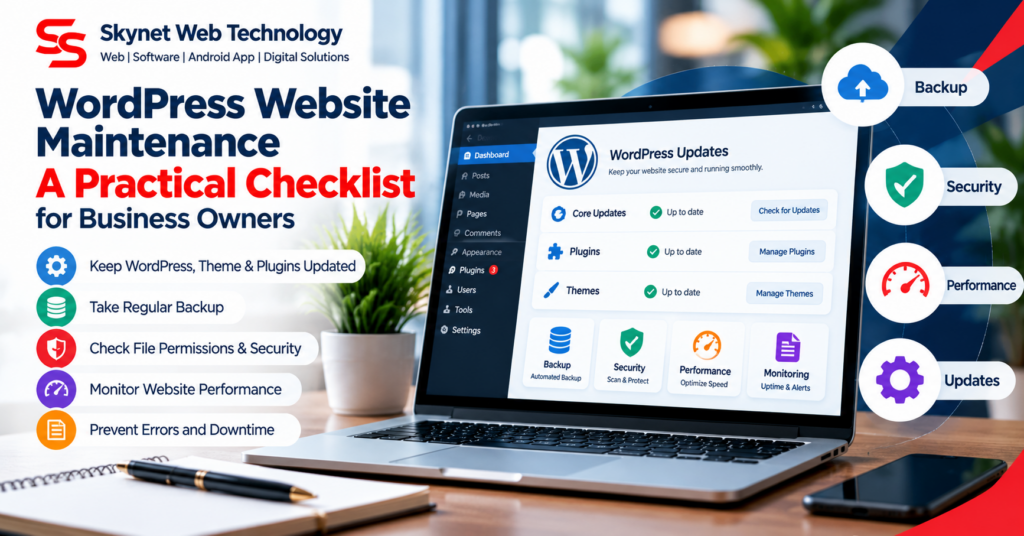
A WordPress website needs regular care after launch. Routine maintenance helps reduce avoidable downtime, broken layouts, security risks, and problems with enquiry forms.
1. Back up before making changes
Keep recent backups of both website files and the database. Store a copy separately from the live website and confirm that the backup can be restored.
2. Update carefully
Review updates for WordPress core, themes, and plugins. For important business websites, test updates on a staging copy when possible. Avoid deleting or replacing the active theme without a verified backup.
3. Check forms and key links
Test contact forms, appointment requests, login links, downloads, and payment or enquiry journeys after significant changes.
4. Review images, CSS, and JavaScript
If a page looks unstyled or images disappear, inspect the browser Network panel for failed requests such as 403 or 404. Check the exact file URL and permissions instead of changing permissions across the entire hosting account.
5. Use secure file permissions
File and folder permissions depend on the hosting setup, but permissions should not be made broadly writable just to fix an error. Never use 777 as a general repair method. Ask the hosting provider to inspect ownership and server security rules if a 403 error continues.
6. Monitor speed and mobile usability
Compress large images, remove unnecessary plugins, and review pages on both desktop and mobile. Check that navigation, headings, and calls to action remain usable.
Maintenance tip: Keep a record of changes and test the live site after each significant update. This makes problems easier to identify and reverse.