
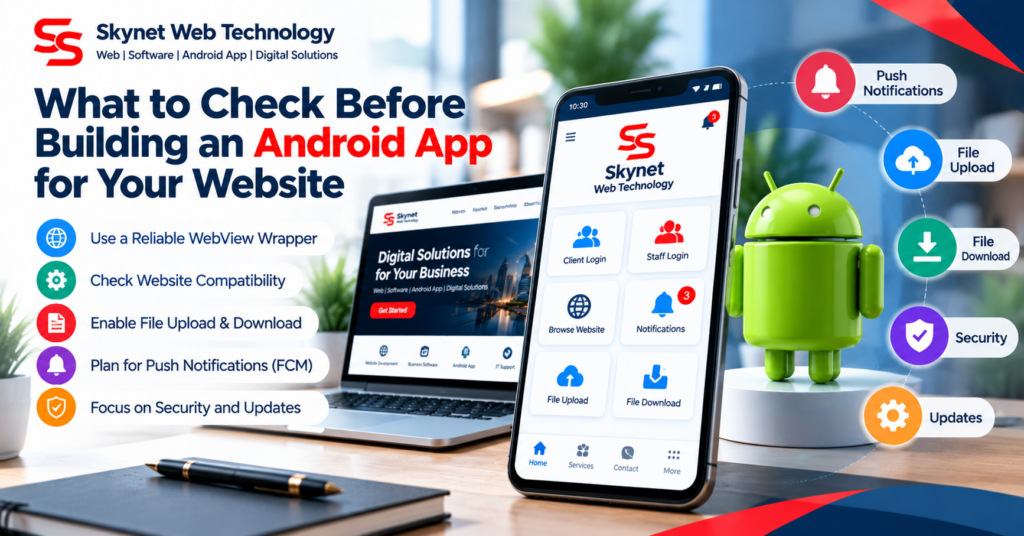
Some businesses want customers or staff to access an existing website through an Android app. A WebView wrapper can be a simple option when the website already provides a mobile-friendly experience and the app does not require extensive native functionality.
Check the mobile website first
Before building the app, test the website on different screen sizes. Menus, login screens, forms, document uploads, and important buttons should work comfortably on a phone.
Plan navigation and error handling
Decide how internal links open, how the Android Back button behaves, and what users see when the device is offline or the website cannot be reached.
Test uploads and downloads
If users need to upload documents or download PDFs, verify these flows on real Android devices. File selection, download permissions, and opening documents should be tested rather than assumed to work.
Protect user information
Use HTTPS, avoid exposing credentials in the app, restrict navigation to trusted domains where appropriate, and review how the website handles authentication and personal information.
Prepare for distribution
Choose an appropriate app icon and package name, test the release build, and review the current Google Play policies and technical requirements before publishing. A working APK alone does not guarantee store approval.
A simple wrapper can be cost-effective when its limits are understood. Start with the essential user journeys, test them carefully, and add push notifications or native features only when they are genuinely needed.