
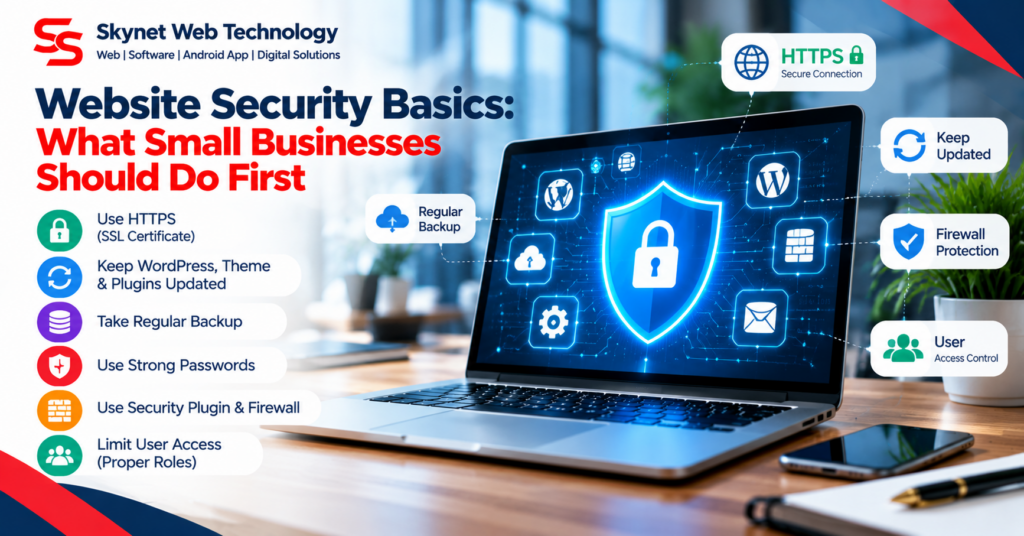
A website is part of a business’s public identity and customer-service process. Basic security practices help protect availability, content, and customer information.
Use strong, unique account credentials
Use unique passwords for hosting, WordPress administrators, and related services. Enable multi-factor authentication where available and remove accounts that are no longer needed.
Keep software supported
Update WordPress, themes, and plugins after reviewing compatibility and making a backup. Remove unused extensions and themes that are not required.
Maintain restorable backups
Back up website files and the database on a schedule that fits the business. Keep copies separate from the live server and periodically verify that restoration is possible.
Use HTTPS and least-privilege access
Ensure the website uses a valid HTTPS certificate. Give staff only the access they need, and review administrator accounts periodically.
Investigate errors safely
Errors such as 403 Forbidden may be caused by file permissions, ownership, access rules, or security filters. Do not solve them by making every file writable or disabling security controls globally. Identify the specific URL and inspect server logs or ask the hosting provider for help.
Prepare a recovery plan
Know who manages hosting, where backups are stored, and how to contact support. After an incident or major update, verify the homepage, forms, login flows, downloads, and mobile layout.
Security is an ongoing process. A short, documented maintenance routine is more useful than making hurried changes when a problem appears.